Sun Tran App
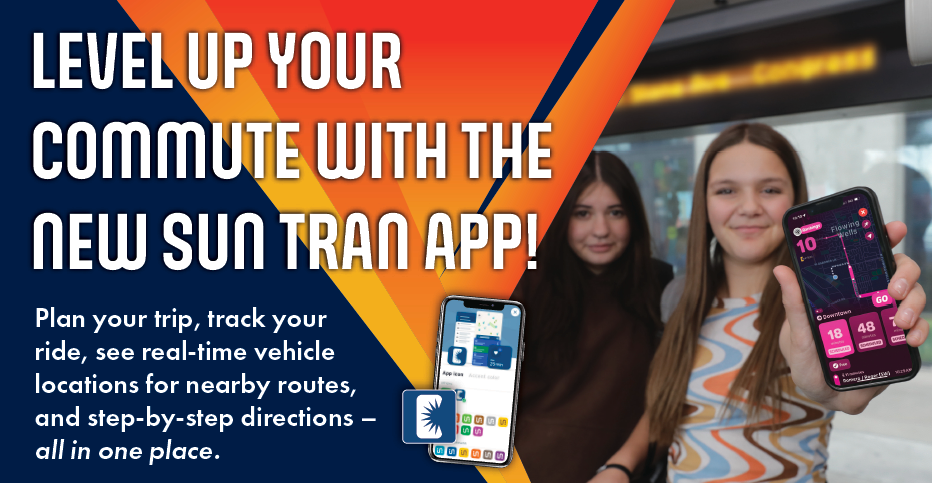
The Transit App – Sun Tran’s official app – makes riding public transit easier! With the new app, riders can plan their trip, check bus arrival time, stay up to date on service changes and get step-by-step audio and visual directions when you use a GO trip. The app also allows riders to plan their trips across Sun Link, Sun Shuttle and Sun On Demand.
How to use the sun tran app
Getting Started

Click the images below to download on the App Store or Google Play.


Setting Your App Icon Preference
To get the full Sun Tran experience, you can change your app icon to the Sun Tran logo!
- Open the Transit app and click on your profile icon located at the top left corner.
- Once at in your profile settings scroll down to ‘Preferences.’ Click ‘Themes and Icons’ and then ‘App Icon.’
- Lastly, choose your app icon! The Sun Tran icon will be blue with the official logo.
Planning Your Trip
The Transit App can get you anywhere in Tucson, just search where you want to go!
- On the home screen, tap the search bar.
- Enter your destination either by name or address and see all the options. If desired, you can also change your starting point by clicking the arrows to expand the search bar.
- Compare suggested trip options and choose the one that works for you!
Watch the short video below to learn more about the Transit App and how to plan your trip.
Using a GO Trip
The GO Feature is your trip companion that provides audio and visual step-by-step directions and notifications for your trip. GO will notify you when:
- to hurry up if it senses that you will miss your bus
- your stop is coming up and when to get off
- you miss your connection it will suggest alternatives
Plus, when using GO you will be asked to provide feedback about your riding experience throughout your trip. The feedback you provide helps other riders on your route with more accurate real-time tracking information (your information is not shared with other rider). You must press GO in order for the feature to work.
FAQs
Is the Transit app free?
Yes. The app is completely free to download and use. You can find it on the App Store and Google Play.
Do I need an account to use the app?
No account is required to track buses or plan trips. You do have the option to create an account, but it is not necessary.
Why can’t the app find my location?
Please check that location permissions are enabled in your phone’s setting. Make sure GPS or Location Services are turned on.
How accurate are arrival times?
Arrival times are based on real-time data and are typically accurate. However, delays may occur due to traffic, weather or detours.
Does the app include other modes of transportation?
Yes! The app also includes real time data for Sun Link. When planning your trip you will also receive different transit options such as Sun Link and Sun On Demand.
Need more help?
Our Customer Service Representatives are here to help!
Phone: (520) 792-9222 (TDD 520-628-1565)
Email: SunTranAppInfo@tucsonaz.gov.